
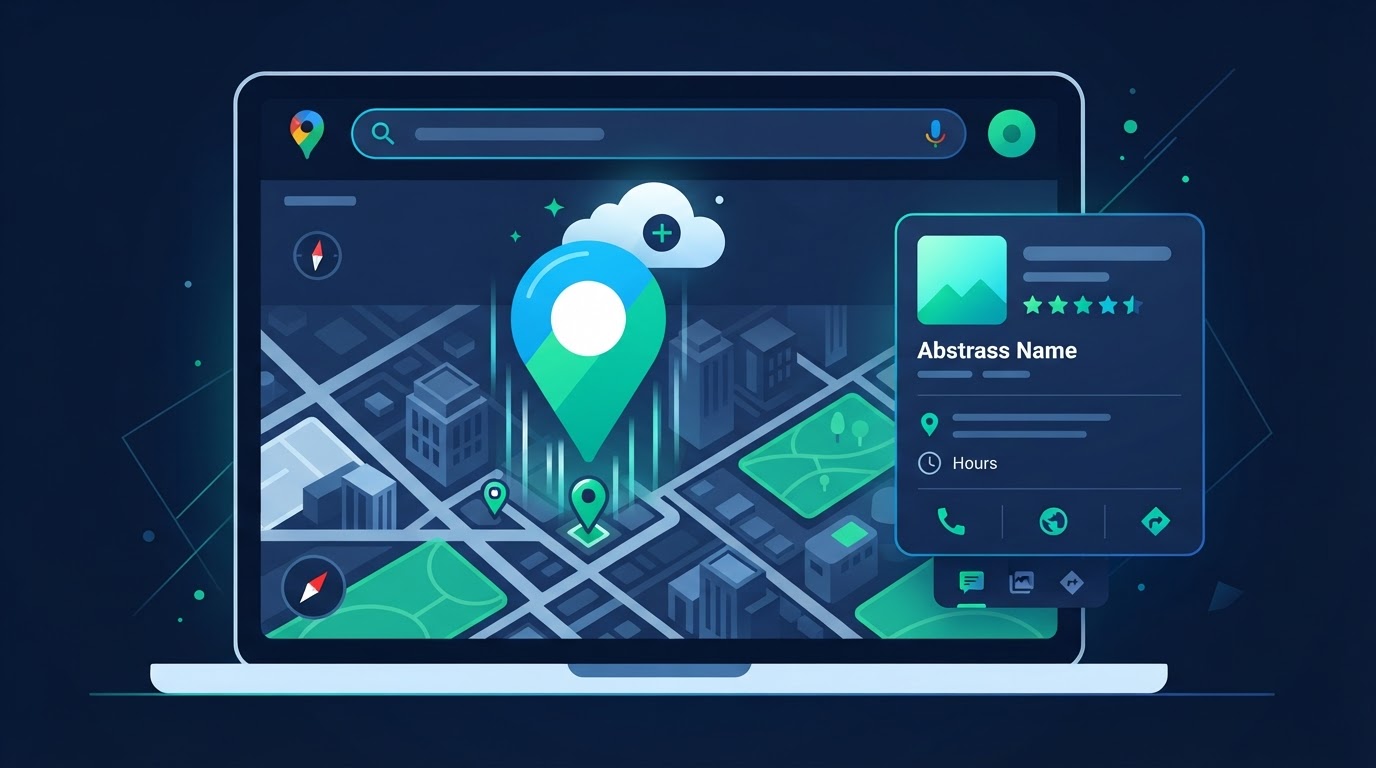
Step-by-step profile creation and verification
Getting on Google Search and Maps is the highest-leverage marketing task for any local SA business.
Step 1: Create a Google account and open Google Business Profile manager. Step 2: Enter your registered business name and pick your exact primary category.
Step 3: Choose a storefront customers visit (like a clinic) or a service-area business (like a plumber).
Step 4: Complete verification (often a video or SMS code). Step 5: Fill in every detail: hours, high-res photos, and services.
Need help with Google Business Profile optimization?
Explore Google Business Profile Optimization for South African businesses.
Don't wait 24 hours, book your call now
Skip the wait and confirm a free consultation with Jackie right now.
Book your free 10-minute call